Local-first agent control panel
Know which coding agent needs you
Find setup guides and references for the vmux attention router.
Available now · v0.1.0
Install vmux Choose remote access
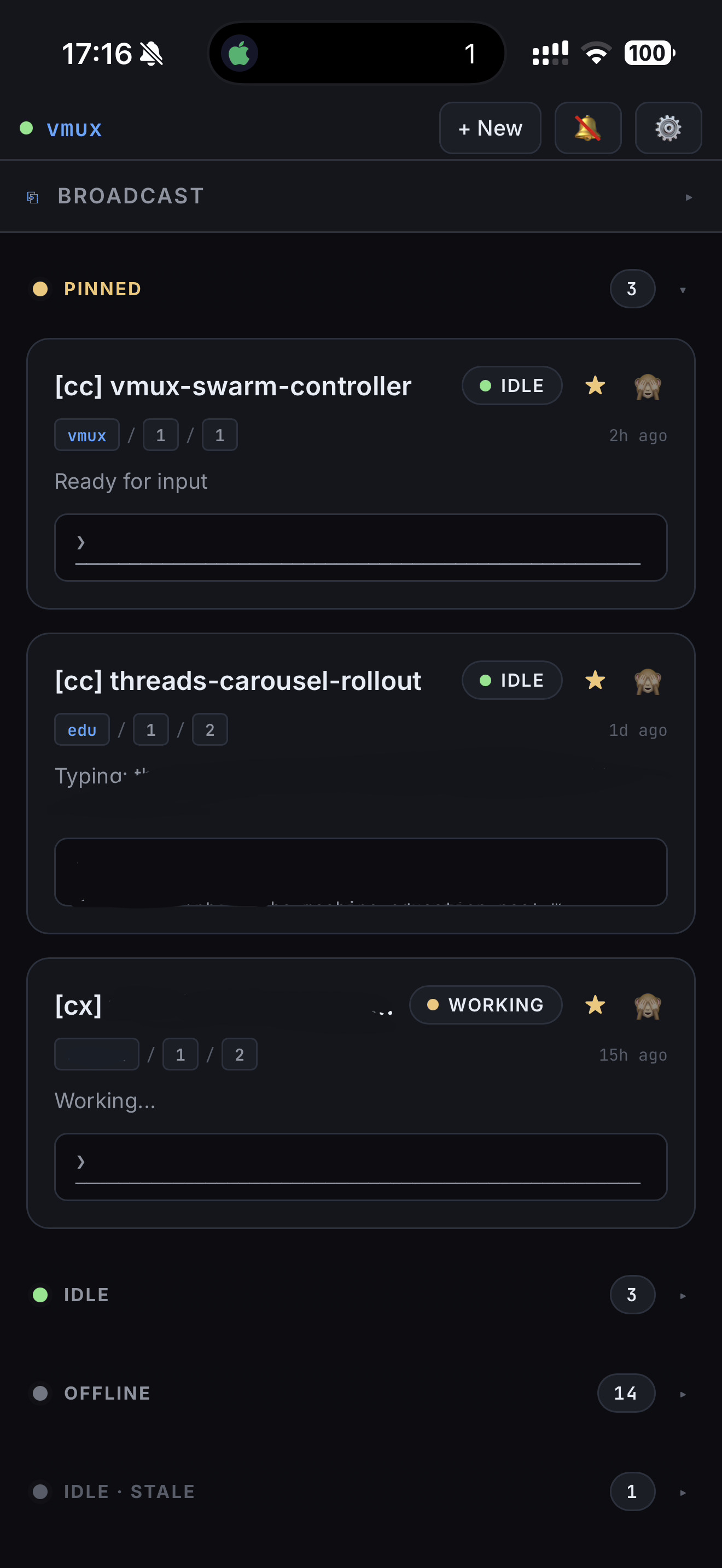
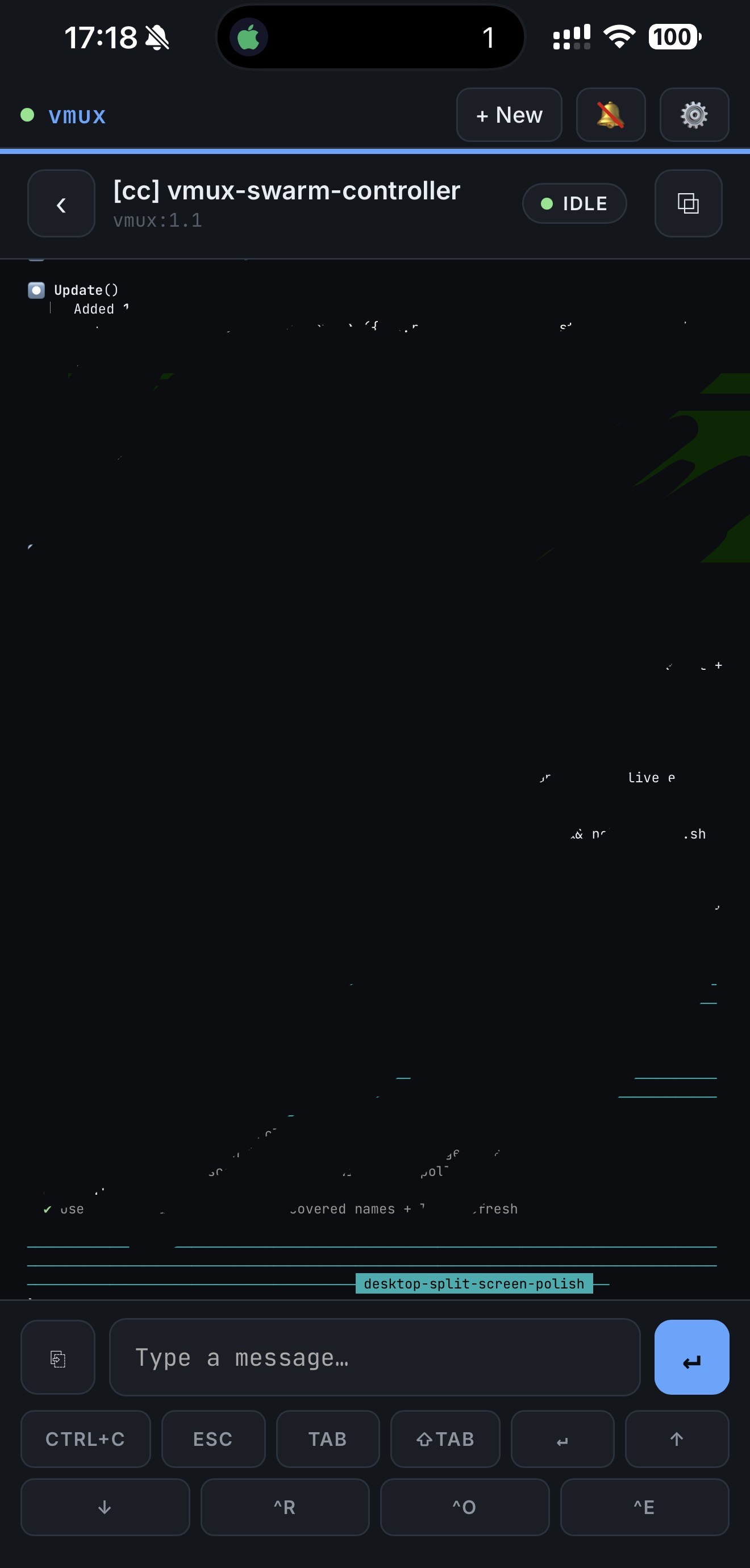
Route attention
Statuses distinguish panes that need input, are working, encountered an error, are idle, or went offline. See Pane discovery for provider hierarchy and visibility rules.
Make replies cheap
Supported dialogs become buttons. See Snippets and shortcuts for input controls and provider availability.
Resume the reasoning state
See Agent Workspace configuration for provider support and opt-in setup, then Agent context and Review for the structured workflow.
Keep control local
The FastAPI backend, WebSocket, and PWA run on your machine. React and htm are vendored; there is no hosted vmux account, telemetry service, or runtime CDN.
Start on localhost
Check the requirements. For the default provider, install from PyPI:
Open http://127.0.0.1:8787. A working tmux agent appears automatically; use
vmux --include-shells if you want ordinary shell panes visible too.
Remote access changes the threat model
Anyone who has the bearer token and network reach can send input to your terminal panes. Tailscale is the recommended remote route. Direct LAN access requires a token; public-internet access additionally requires an HTTPS reverse proxy. Never expose vmux's plain-HTTP listener publicly.
Current client and platform status
The installable PWA is the public client included here. The native companion
under ios/ is also under development and is not publicly available. vmux is
used daily on macOS; Linux should work but needs more field verification, and
WSL remains unverified.